

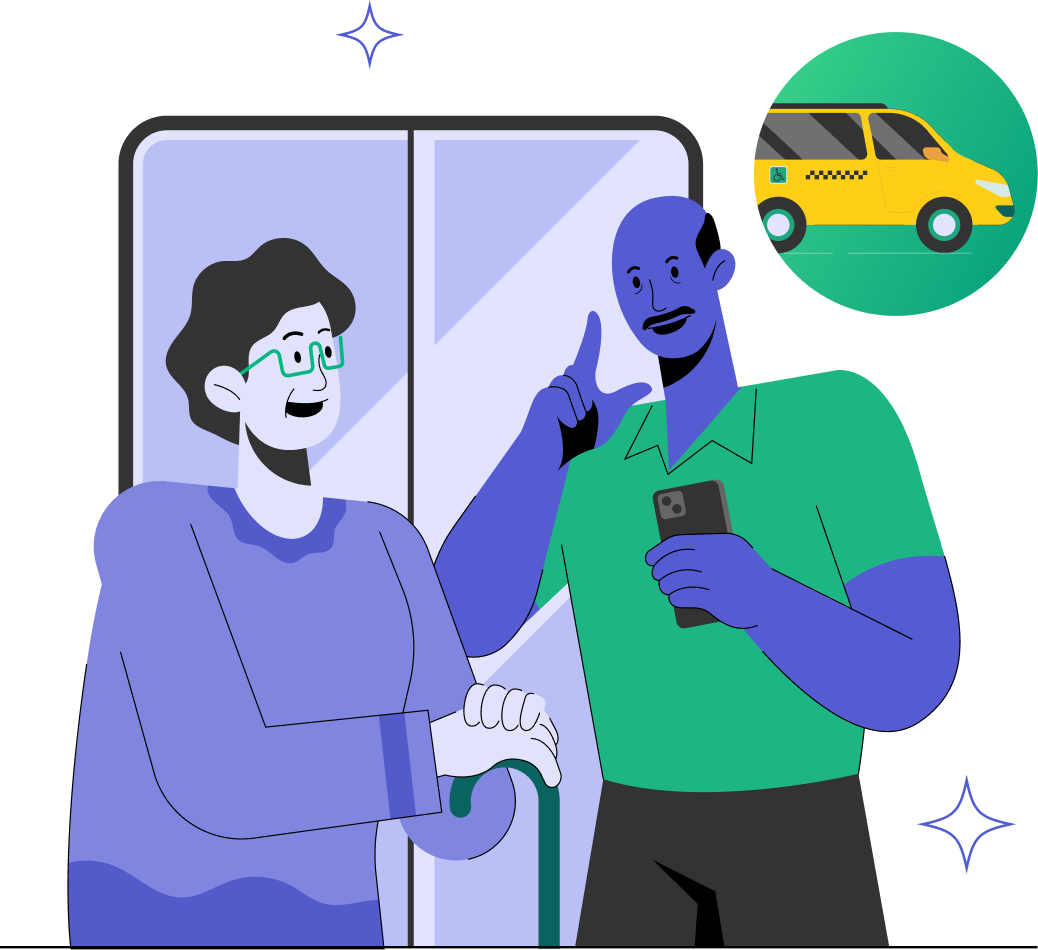

Quick transportation to and from your authorized locations.
Text message updates informing passengers of:
24/7 Support team dedicated to Curb Passengers in Washington, D.C
Quick transportation to and from your authorized locations.
Text message updates informing passengers of:
24/7 Support team dedicated to Curb Passengers in Washington, D.C
If you are new to MetroAccess, or haven't used the web booking service recently, please click on the Enrollment link to establish access for this service
You will need to provide your MetroAccess ID, date of birth, and a valid email address so you can receive a unique link to complete the Enrollment process and set up your password.
If you have questions or need assistance with the "Enrollment" process, please contact Metro Office of Eligibility Certification and Outreach at 202-962-2700 or via email at Eligibility@wmata.com.
You will need to have an active MetroAccess account to schedule a ride. All Abilities Ride program trips are booked through MetroAccess.
Dial MetroAccess 301-562-5360 to schedule your All Abilities Ride program trip.
Automatic Transfer: Once in Reservations, press 3 to be automatically transferred to our Digital Assistant.
The Digital Assistant will prompt you for key booking details (customer ID and date of birth, pick-up and drop-off location, number of travelers, mobility aid requirements, specific driver instructions).
You will need to have an active MetroAccess account to schedule a ride. All Abilities Ride program trips are booked through MetroAccess.
Dial MetroAccess 301-562-5360 to schedule your All Abilities Ride program trip.
Automatic Transfer: Once in Reservations, press 3 to be automatically transferred to our Digital Assistant.
The Digital Assistant will prompt you for key booking details (customer ID and date of birth, pick-up and drop-off location, number of travelers, mobility aid requirements, specific driver instructions).
Tap either of the app store badges to go to your device's app store.


